
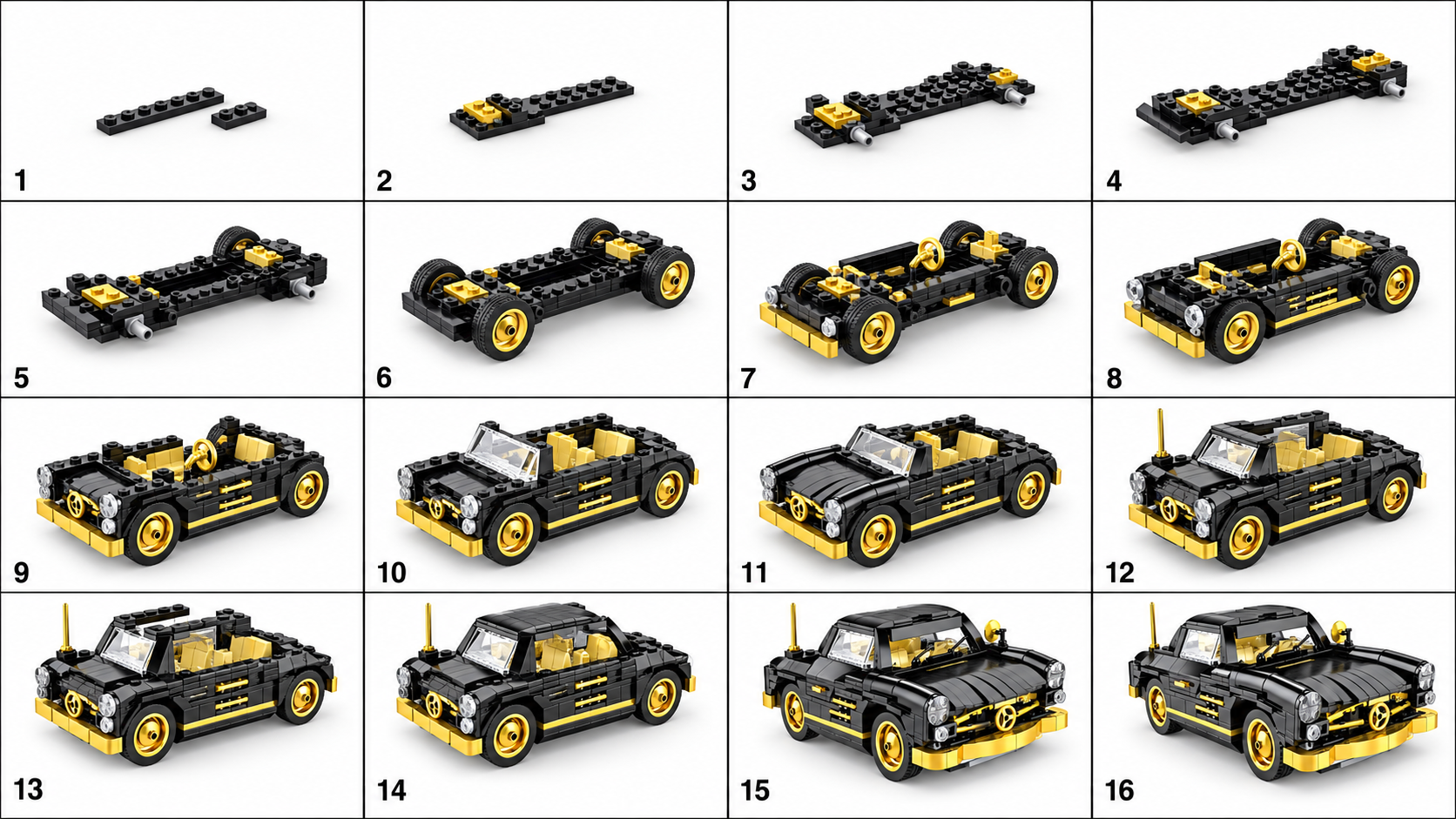
Decide what the board needs to explain
A viewer should be able to follow the major visible changes without guessing which way the model faces. For a vehicle, that may mean a base, body, cabin and finishing details. Treat those as a way to read the result, not as a guaranteed or configurable panel sequence.
The current studio generates the board and then the video in one workflow. It does not provide controls for choosing the exact number of panels or editing individual pieces inside a panel.
Choose an image with readable major shapes
A single model with a clear base and distinguishable body sections gives you a useful reference for evaluating a sequence. Keep the complete outline visible. If the model fills the frame edge to edge, give it more space before uploading.
JPG, PNG and WebP are supported. Remove text overlays in your own editor before upload; they can compete with the model in the image. Do not add arrows to the source and expect them to become precise assembly instructions.
Review one transition at a time
↔ Scroll sideways to read all columns
| Question | What to look for | If it fails |
|---|---|---|
| What changed? | A visible addition or understandable stage change | Mark any jump where a large structure appears without explanation. |
| Is it still the same model? | Stable width, proportions, colors and front direction | Compare against the source; reject a sequence that changes the design. |
| Can I see the addition? | Enough contrast and a view of the changed area | Do not use a tiny or obscured difference to explain a critical operation. |
| Does the ending match? | The last panel keeps the source model’s important features | Treat missing or invented features as errors, even if the picture looks good. |