
Assembly Video from a Photo: Prepare It for Sharing
Have a finished-model photo and need a clip for a post or product page? Generate the assembly-style footage, then use this publishing checklist to make it understandable at the size people will actually watch.
Plan a short sequence around the clip
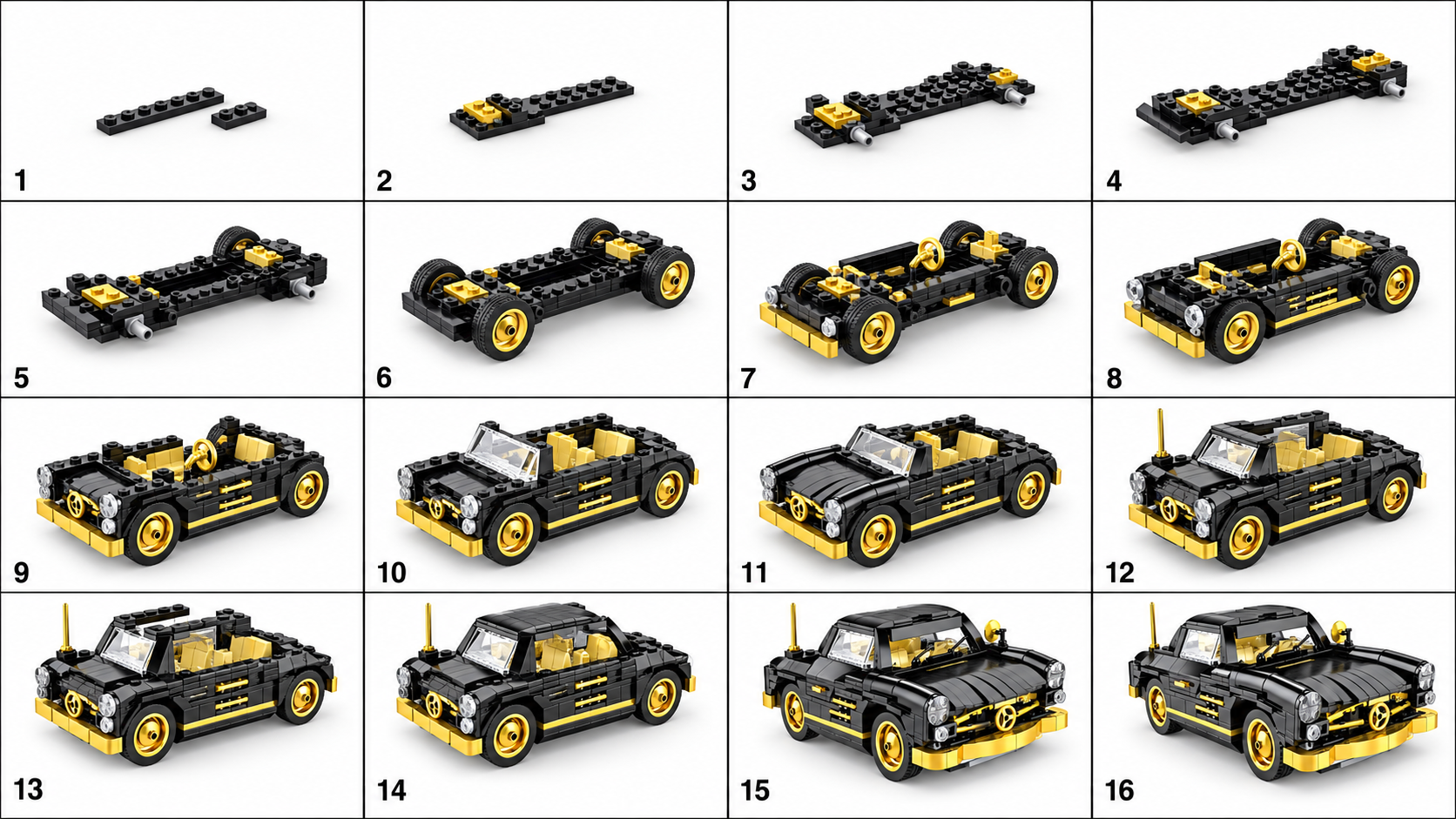
A standalone animation can leave viewers unsure what they are seeing. In a separate video editor, put the source photo before the generated motion and a clear final-model view after it. A short caption can explain that the assembly sequence is AI-generated.
↔ Scroll sideways to read all columns
| Segment | Purpose | What to show |
|---|---|---|
| Opening | Identify the model | The original photo and a short, accurate model description. |
| Assembly-style clip | Show the visual transformation | The reviewed BrickGPT video, with no claim that it validates every connection. |
| Ending | Give the viewer a useful next step | The finished model and a relevant destination, such as a gallery or separately verified instructions. |
Explore sample outputs
No sign-in required.
Protect the model when you change the frame
Keep a margin around the source model before generation. After downloading the video, set the canvas to the format your destination currently accepts. Check the entire clip before cropping: a part can enter from the edge even when the final model fits.
For a vertical post made from wider footage, placing the complete video on a background may preserve more information than filling the frame by cropping. Use your editor for this layout; BrickGPT does not provide a social-format editing timeline.
Add context that prevents the wrong expectation
If the clip promotes a physical model, show an accurate real photo as well and explain what the buyer receives. AI motion must not stand in for evidence of included parts, moving functions or tested construction instructions.
If you add captions, narration or music, make those changes in your video editor. Use media you have permission to publish. Keep essential text away from interface overlays and make the message understandable with the sound off.
Check the exported file, not only the editing preview
- Play the export from beginning to end and confirm it is not cut off or frozen.
- Preview it on a phone. Check the model, captions and any cropped moving pieces.
- Compare the ending with the source photo so the published clip still depicts the intended model.
- Check the destination’s current file, aspect-ratio and duration requirements; export again if necessary.
- For a web page, add a useful poster image and player controls. Include a text description so the page is understandable before the video plays.