Brick Model Image Prompts: Cars, Mechs & Buildings
Creating a brick-model concept image? Start with a complete prompt below. Use it in an image generator, then inspect the result before uploading the finished model image to BrickGPT. BrickGPT needs an image to start; a text prompt alone cannot create its board and video.
Choose between a photo and a concept image
If you already built the model, photograph it. A generated replacement can change its wheels, roof, joints, or colors. Use a concept image when you want to explore a design or create a visual presentation and can accept invented details.
The templates below are starting points, not model-specific benchmark results. A realistic brick render does not establish valid connections, available parts, or physical stability.
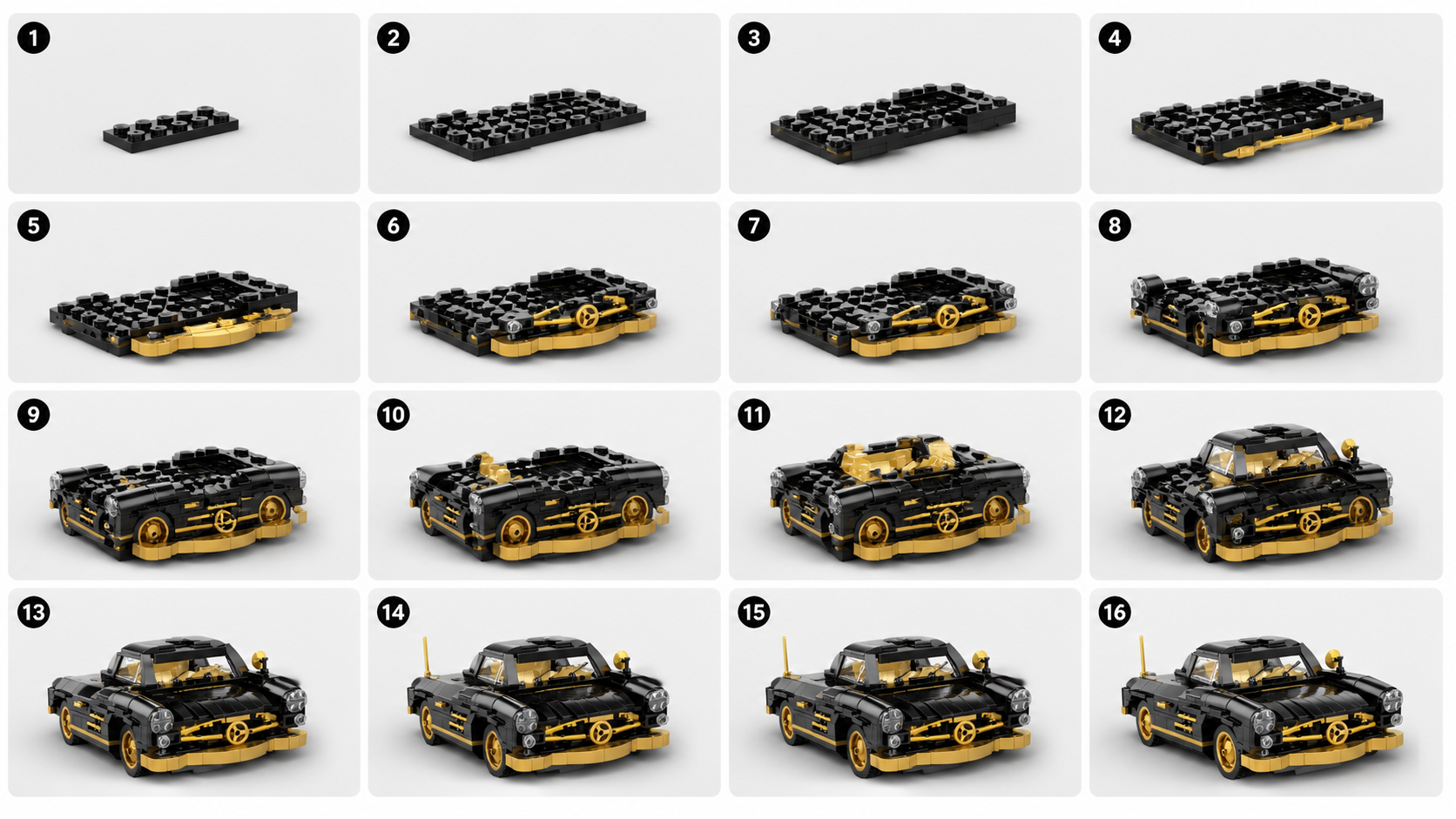
Car prompt: keep the wheels and body readable
Replace the body style and colors. Keep one complete vehicle in frame, with empty space around it. After generating, check the visible wheel positions and whether the cockpit belongs to the same car throughout the image.
Create a studio product image of a compact coupe made from interlocking plastic toy bricks. Use a black body with gold accents and a simple enclosed cockpit. Show one complete four-wheeled vehicle, centered in a front three-quarter view, with the entire model inside the frame. Keep the visible wheel positions and body edges easy to distinguish. Use soft, even lighting and a plain light-gray background. Show recognizable studs, plates, and brick edges. No packaging, logos, text, hands, motion blur, or loose parts around the model.Mech prompt: separate the limbs
Use a standing pose before trying an action pose. Inspect the number of limbs, the position of each foot, and any armor that hides the shoulders or hips. A dramatic silhouette is less useful if you cannot see the model.
Create a studio product image of a small humanoid mech made from interlocking plastic toy bricks. Use white armor with blue accents. Show a balanced standing pose, two separate arms, two separate legs, and both feet resting on a flat surface. Keep the complete model visible in a front three-quarter view. Use a plain light-gray background and soft, even lighting. Make the shoulders, torso, hips, and knees easy to distinguish. No smoke, objects covering the torso, motion blur, text, or extra limbs.Building prompt: show the facade and roof
Replace the building type, number of floors, and colors. Keep trees and street furniture out of the first version. Check that the roof sits on the walls and that windows and openings do not overlap implausibly.
Create a studio product image of a small two-story townhouse made from interlocking plastic toy bricks. Use a tan facade, a dark-red roof, one front door, and a clearly arranged set of windows. Place the building on a simple rectangular base. Show the complete front facade and one side in a front three-quarter view. Use soft, even lighting and a plain light-gray background. Keep brick layers, roof edges, and openings readable. No surrounding city, people, trees covering the facade, text, or cutaway view.When the first image is hard to use
For example, “epic cinematic mech battle in smoke, dramatic shadows, extreme close-up” asks for a scene that can hide the model. Replace it with “one complete mech, standing still, all limbs visible, plain background, even lighting.” This is an editing example, not a claimed before-and-after test.
↔ Scroll sideways to read all columns
| What you see | What to change |
|---|---|
| The model is cropped | Ask for the complete model, centered, with space on every side. |
| Details disappear in shadow | Replace dramatic lighting with soft, even studio light. |
| Several models compete for attention | Specify one model and remove background vehicles, figures, and packaging. |
| Wheels, limbs, or roofs look inconsistent | Simplify the design and correct the concept image before generating a sequence. |
Inspect the image before making a board
View the full image, then a small thumbnail. Can you identify one complete model and its main external parts? If so, compare the public source/board/video examples with the result you need. If your goal is physical construction, use a separately verified model and parts inventory.
Explore sample outputs
No sign-in required.