積木模型圖片提示詞:汽車、機甲與建築
正在創作積木模型概念圖?從下方完整的提示詞開始。在圖片生成器中使用它,然後在將完成的模型圖片上傳到 BrickGPT 之前檢查效果。BrickGPT 需要圖片才能開始;單憑文字提示詞無法建立其步驟圖和影片。
在照片與概念圖之間做出選擇
如果您已經拼砌好模型,請為它拍照。生成的替代圖片可能會改變其車輪、車頂、關節或顏色。當您想探索設計或製作視覺簡報,且能接受虛構的細節時,請使用概念圖。
下方的範本只是起點,並非特定模型的基準結果。逼真積木渲染圖並不代表存在有效的連接方式、現有零件或物理結構的穩定性。
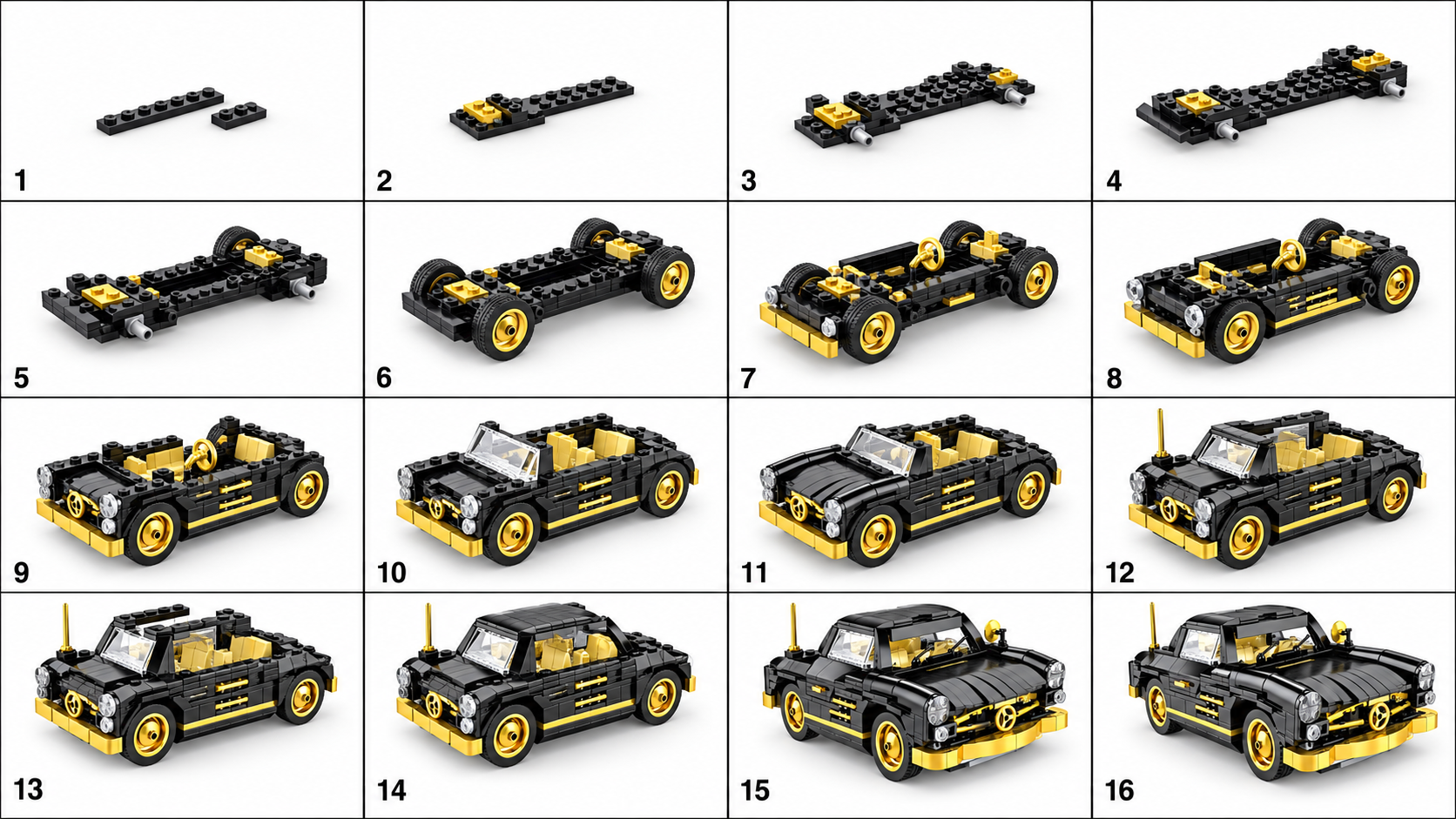
汽車提示詞:保持車輪與車身清晰可辨
更換車身款式和顏色。讓一輛完整的車輛保持在畫面內,並在其周圍留出空間。生成後,檢查可見的車輪位置,以及駕駛艙在整張圖片中是否屬於同一輛車。
Create a studio product image of a compact coupe made from interlocking plastic toy bricks. Use a black body with gold accents and a simple enclosed cockpit. Show one complete four-wheeled vehicle, centered in a front three-quarter view, with the entire model inside the frame. Keep the visible wheel positions and body edges easy to distinguish. Use soft, even lighting and a plain light-gray background. Show recognizable studs, plates, and brick edges. No packaging, logos, text, hands, motion blur, or loose parts around the model.機甲提示詞:分開四肢
在嘗試動作姿勢之前,先使用站立姿勢。檢查四肢的數量、每隻腳的位置,以及任何遮擋肩膀或臀部的裝甲。如果看不到模型,充滿戲劇效果的剪影就沒有太大用處。
Create a studio product image of a small humanoid mech made from interlocking plastic toy bricks. Use white armor with blue accents. Show a balanced standing pose, two separate arms, two separate legs, and both feet resting on a flat surface. Keep the complete model visible in a front three-quarter view. Use a plain light-gray background and soft, even lighting. Make the shoulders, torso, hips, and knees easy to distinguish. No smoke, objects covering the torso, motion blur, text, or extra limbs.建築提示詞:顯示外牆與屋頂
更換建築類型、樓層數目和顏色。第一版請勿包含樹木和街道設施。檢查屋頂是否固定在牆壁上,以及窗戶和開口是否出現不合理的重疊。
Create a studio product image of a small two-story townhouse made from interlocking plastic toy bricks. Use a tan facade, a dark-red roof, one front door, and a clearly arranged set of windows. Place the building on a simple rectangular base. Show the complete front facade and one side in a front three-quarter view. Use soft, even lighting and a plain light-gray background. Keep brick layers, roof edges, and openings readable. No surrounding city, people, trees covering the facade, text, or cutaway view.當第一張圖片難以使用時
例如,「煙霧中的史詩級電影感機甲大戰、戲劇性的陰影、極端特寫」所要求的場景可能會遮擋模型。請將其替換為「一個完整的機甲、靜止站立、四肢完全可見、純色背景、均勻光線」。這是一個修改範例,並非宣稱的前後對比測試。
↔ 左右滑動以查看所有欄位
| 您看到的畫面 | 需要修改的地方 |
|---|---|
| 模型被裁剪 | 要求完整的模型居中,且四周留有空間。 |
| 細節消失在陰影中 | 將戲劇性的照明替換為柔和、均勻的影棚光線。 |
| 多個模型分散注意力 | 指定單一模型,並移除背景中的車輛、人仔和包裝。 |
| 車輪、四肢或屋頂看起來不一致 | 在生成步驟序列之前,先簡化設計並修正概念圖。 |
在製作步驟圖之前檢查圖片
先查看完整圖片,再查看縮圖。您能否辨認出一個完整的模型及其主要外部零件?如果可以,請將公開的來源、步驟圖和影片範例與您需要的效果進行對比。如果您的目標是實際拼砌,請使用單獨驗證過的模型和零件清單。
探索範例輸出
無需登入。